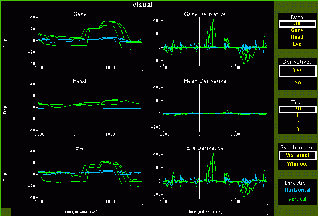
This session shows an animal's response to a visual stimulus. The direction the animal is looking (gaze), head orientation (head), and eye direction relative to the head (eye) are plotted over time.
The views on the left show gaze, head, and/or eye orientation versus time, and the views to their right show the derivatives versus time. The views on the extreme right are used to select what is shown in the main views. You can see a particular graph on a larger scale by selecting the graph you want, which will then expand to fill area occupied by six views in the default setting.
You can also select which trial(s) you want to see, and whether the
times should be synchronized with the appearance of the visual target
or the acquisition of the target.
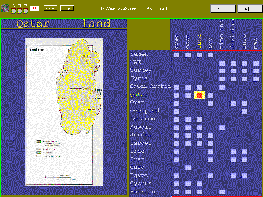
This session shows various maps of middle eastern countries. The
selected map is obviously shown in the left view. The cursor in the large
view on the right is used to select which map is shown. Each square in
that view indicates an available map. To the left of this view is a list
of the countries for which maps are available; above it is a list of the
various types of maps (land use, population, etc.). The view just above
the map lists which map is being shown; the selected map is also highlighted
in the list of countries and map types.
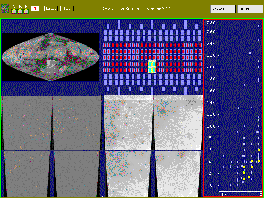
This session shows images of Mars. There are two sets of images: visible light and pseudocolor for elevation. The upper left and upper middle views contain linked cursors that are used to select which images are shown in the bottom views. The view on the right shows the maximum versus the minimum elevation for the area covered by each image. The selected regions are highlighted in yellow.
Last updated 2010-07-21.