Homework 2: Image Stitching
Chen-Han Ho
chen-han@cs.wisc.edu
Taking Images
I use Canon SX100 IS, tag 6418204056 to take pictures. With the rotater, I took 14 pictures for each panorama. Pics are in ./work dir under hw2src
Implementation
Usage
goto hw2src directory:
make
./hw2 [num pics] [pic path] [focal length]
example:
./hw2 14 ./work/ 678.05421
Implementation
This project is done in C++ with openCV library. The library is built
in rhel6 machines. All the mumble machine should work. In the
submitted files, there is a 'opencv_install' directory which contains
all opencv compiled library files and include files.
The path is set by rpath. As a result, the final binary has to be executed in hw2src dir.
(This can be solved by using LD_LIBRARY_PATH anyways)
I use Multi-Scale Oriented Patches since the document of built-in
openCV SIFT is not clear. The MOPS algorithm is the same as what
described in the course slides. It uses 5 scales and a 8x8 descriptor.
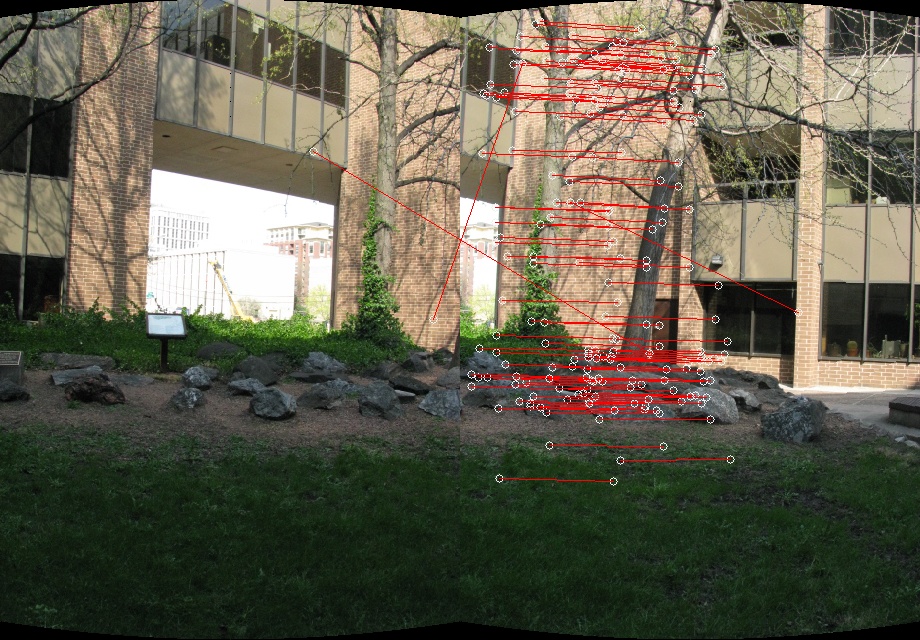
After the key points are generated, they are compared to generate a
key point set. Then, RANSAC method is used and 3 pairs of matched
points are selected for calculating transform matrix and stitching.
All pairs are then used to calculate the distance. Overall, the matrix
that has the most pairs that the distance is under the threshold is
used. The belnding method used is linear blending.
Some intermediate outputs are here:
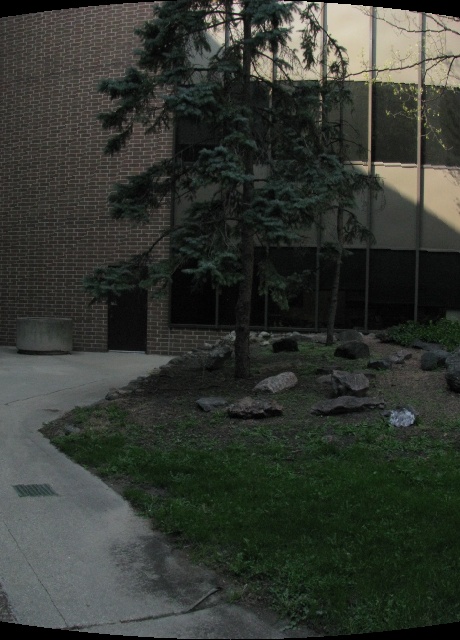
Cylindrical projection
Feature matching
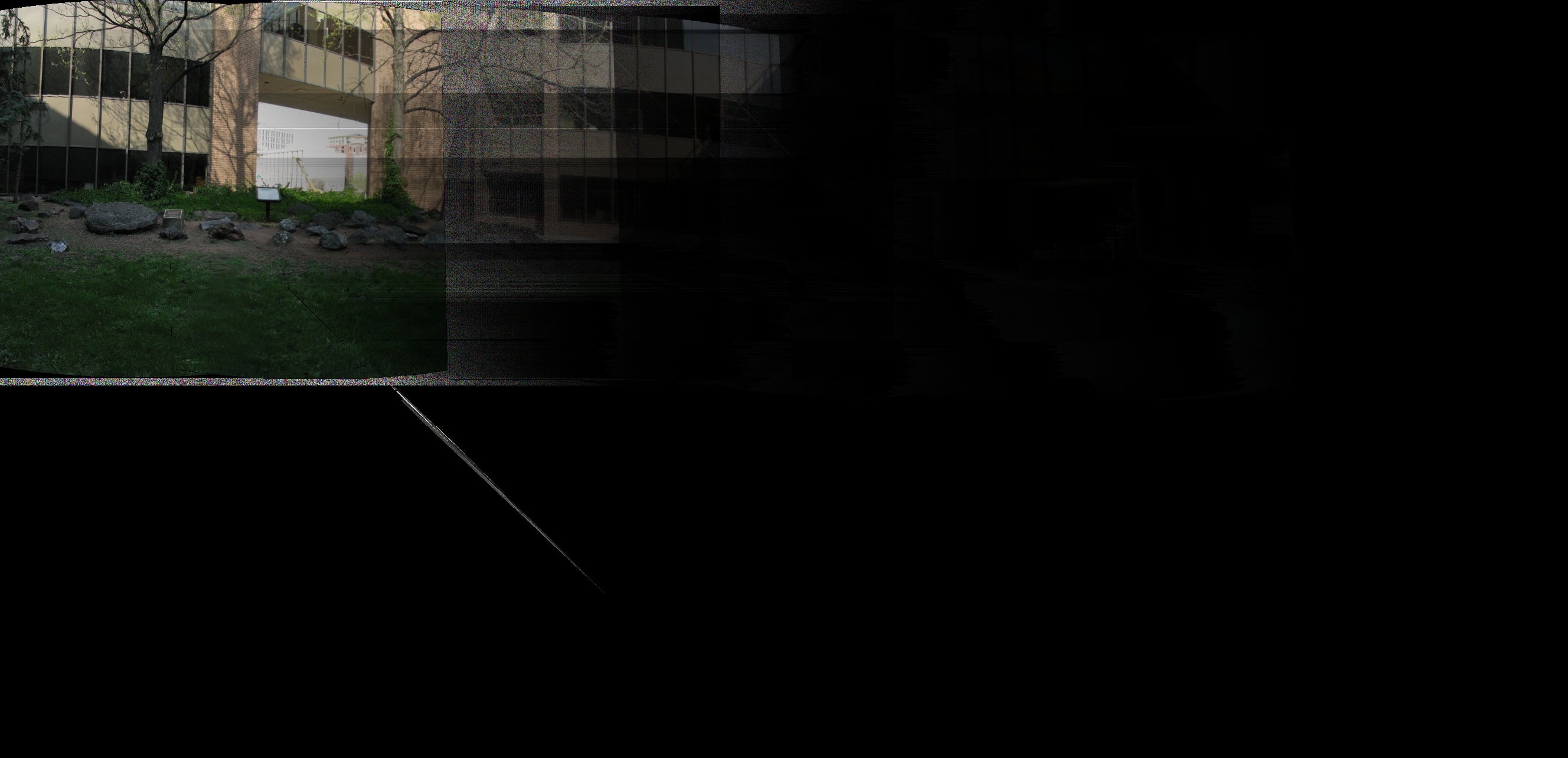
Final result