CS766 Project 3 Report
Chen-Han Ho
l Project Description:
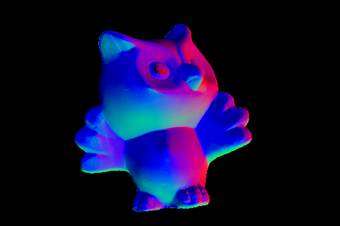
n The project is implemented in MATLAB. There is only one file “hw3.m” in the directory which generates normals map, albedo map, and surface plots.
n Usage: hw3(‘image_path’,’pic_set’) image path is the image directory, pic_set is the image sets. E.g.: hw3(‘./psmImage’,’cat’) The image files are assumed as .tiff format. The last two line of the code outputs the surface map.
l Implementation Details:
n Converting Images: The images are provided in TGA format, I use mogrify to convert tga to tiff files.
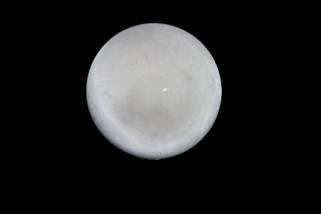
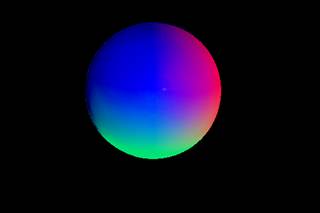
n Calibration: First the centroid coordination is determined by dividing the summation of the location x, y of white pixels by the total number of pixels. Next, the radius is calculated from chrome mask, and z value is calculated by z = sqrt( r^-(x^2 + y^2) ). Assuming that all light rays travel in parallel from the image plane to the camera lens, and all such rays are perpendicular to the plane themselves, the vector of light from the surface point to the camera is R = [0 0 1] Thus, N = [x y z] is known. the light direction is calculated by: 2*dot(N,R)*N – R, as described in lecture notes: http://vsingh-www.cs.wisc.edu/cs766-12/lec/photometric-stereo.pdf
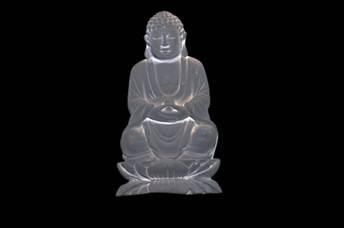
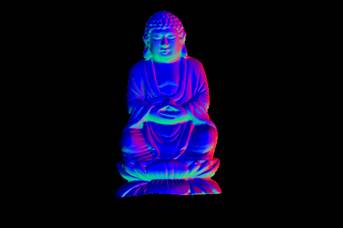
n Normals from Images and solving for color albedo: The objective function for generating surface normals is given in the project assignment. After per-channel albedo is computed, they are combined into one image by casting the doubles to unit8.
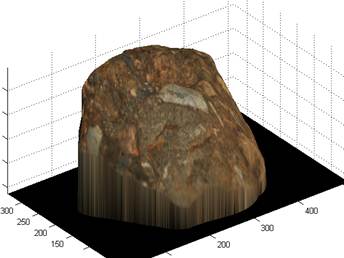
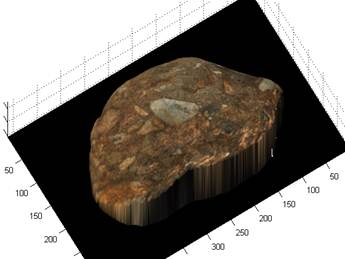
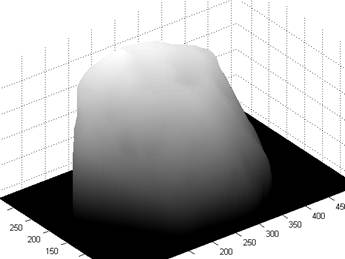
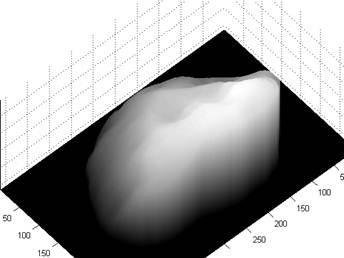
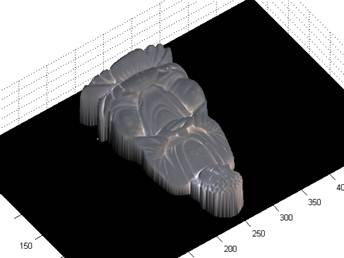
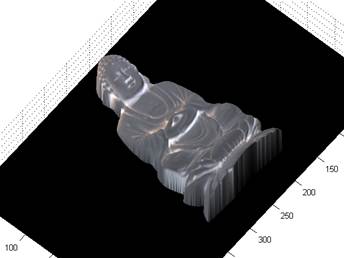
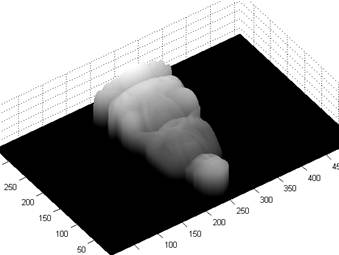
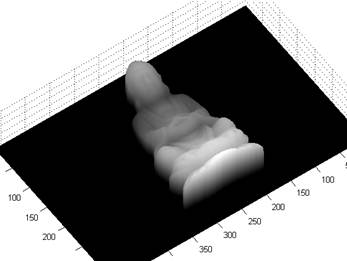
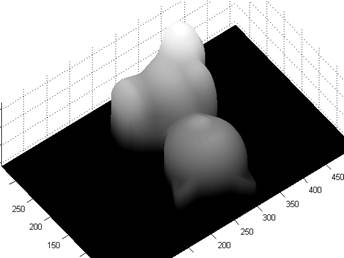
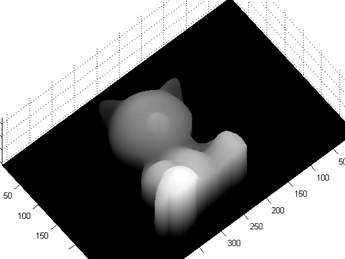
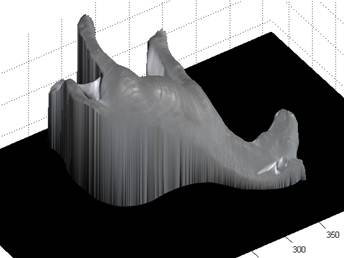
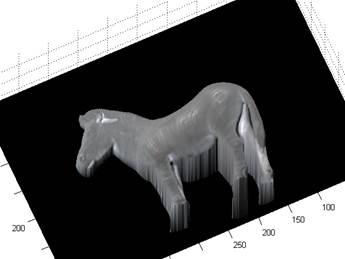
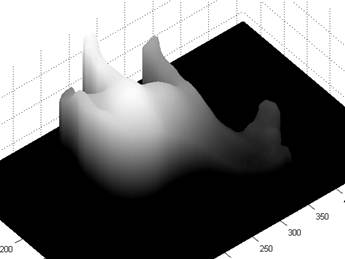
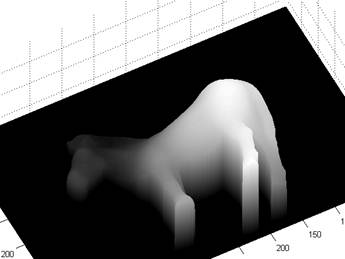
n Least square surface fitting: The matrix equation in the assignment Mz=v is calculated with sparse matrix. The M matrix is defined by first all the horizontal equations and then the vertical equations. After the surface map is calculated. Surf() and Surfl() is used to output the result with and without albedo maps.
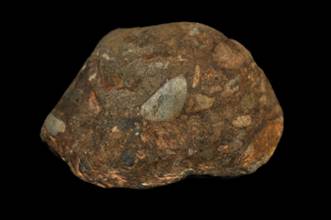
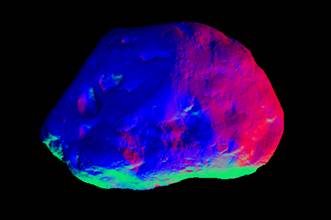
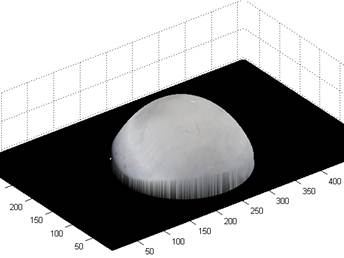
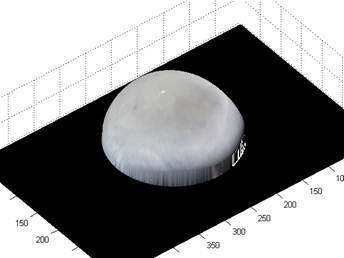
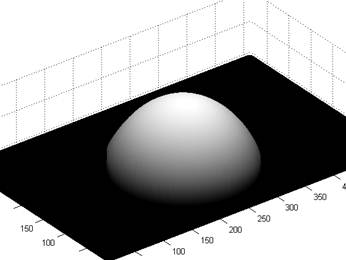
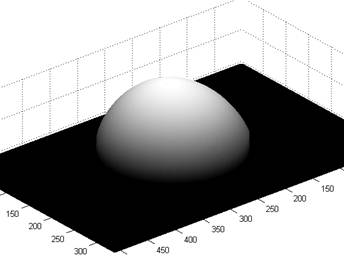
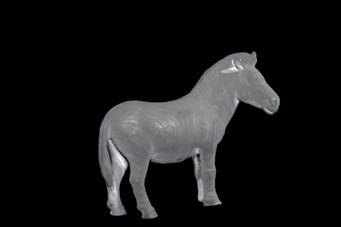
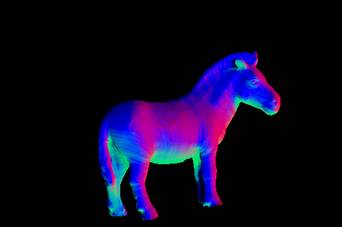
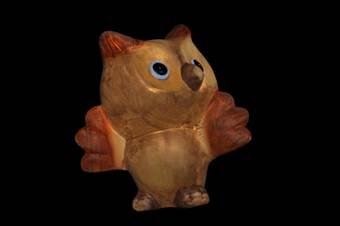
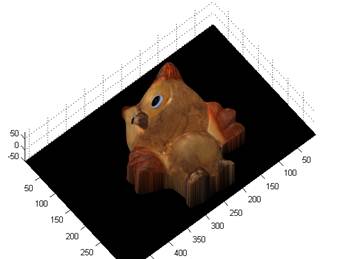
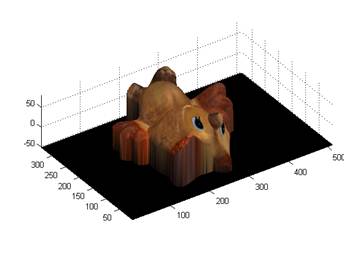
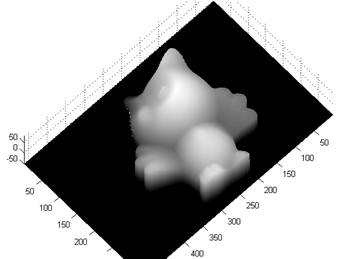
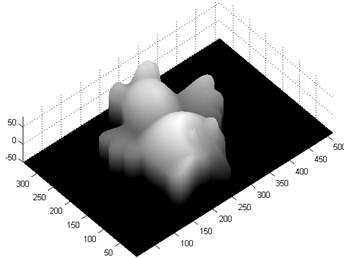
l Results: (normal, albedo, surf with Albedo, without Albedo)
n Buddha:
n Cat:
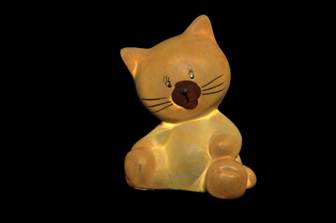
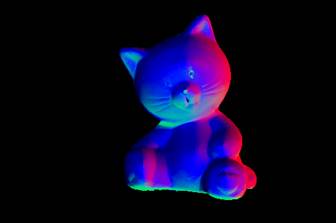
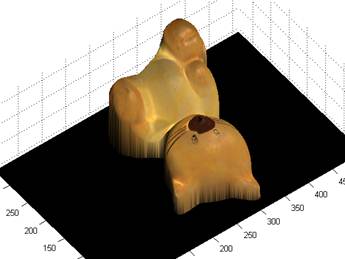
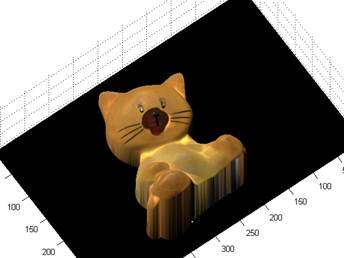
n Gray
n Horse
n Owl
n Rock