In This Page: Files | Class Diagrams | Execution Diagrams
- Source Code (main Class): TicTacToe1.java
- Java Documents: Rules, Player, Board, Move, and Mark Classes
- Executable Program (Windows):TicTacToe1.exe, TicTacToe1.zip
1. download both files into the same directory
2. run TicTacToe.exe
 |
 |
 |
 |
 |
 |
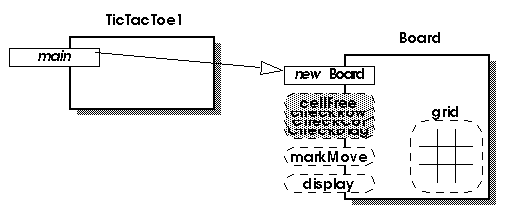
| code: board = new Board(); | ||
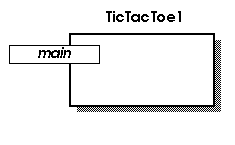
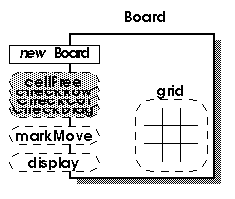
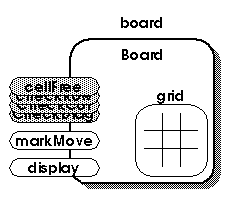
| execution: The main method of the TicTacToe1 class sends a message to the Board class requesting a new Board object to be constructed. (not shown: the address of the new object is returned by the new operator) | result: board refers to the newly constructed Board object having an empty grid. | |
 |
 |
|
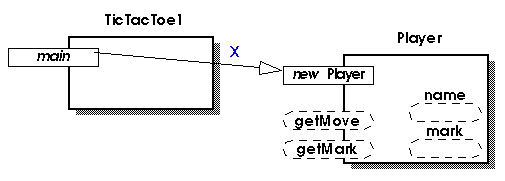
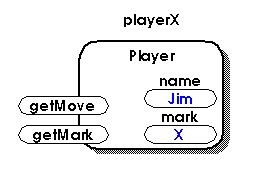
| code: playerX = new Player("X"); | ||
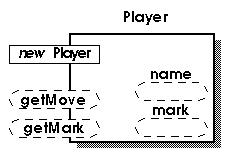
| execution: The main method of the TicTacToe1 class sends a message with the argument X to the Player class requesting a new Player object to be constructed. (not shown: the address of the new object is returned by the new operator) | result: playerX refers to the newly constructed Player object. Assume a program user enters the name Jim. | |
 |
 |
|
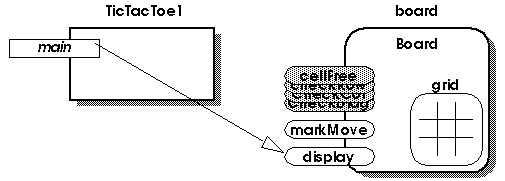
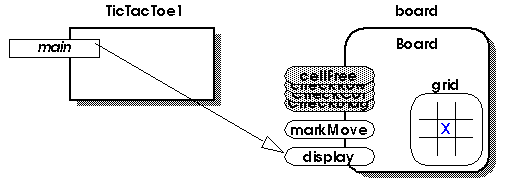
| code step 1: board.display(); | ||
| execution: The main method of the TicTacToe1 class sends a display message to board. | result: A character representation of the board is displayed in the console window. | |
 |
|
|
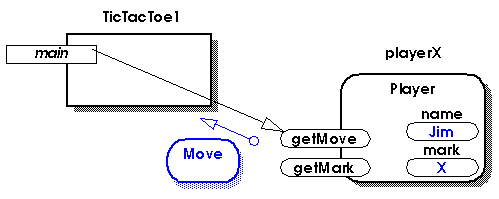
| code step 2: move = playerX.getMove(); | ||
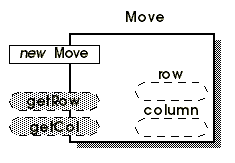
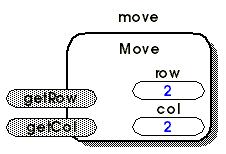
| execution: The main method of the TicTacToe1 class sends a getMove message to playerX, which then returns a Move object (see result for the complete Move object diagram). | result: move refers to the returned Move object. Assume a program user enters row and column coordinates, which playerX uses to construct the returned Move object. | |
 |
 |
|
| code step 3: Rules.checkMove(move, board); | ||
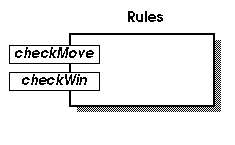
| execution: The main method of the TicTacToe1 class sends to the Rules class a checkMove message with references to the move and board objects. | result: An error message is displayed and the program terminates if the move is invalid, otherwise the program continues execution. | |
 |
|
|
| code step 4: player.getMark(); | ||
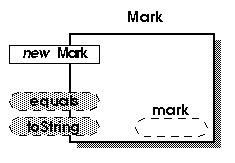
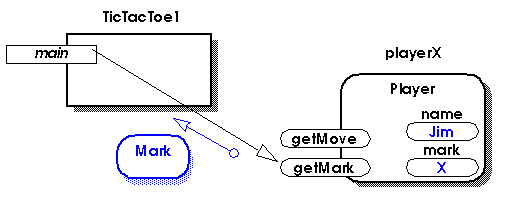
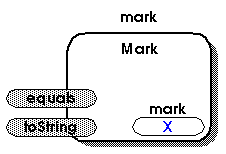
| execution: The main method of the TicTacToe1 class sends a getMark message to playerX, which then returns a Mark object (see result for the complete Mark object diagram). | result: mark refers to the returned Mark object. | |
 |
 |
|
| code step 5: board.markMove(move, board, mark); | ||
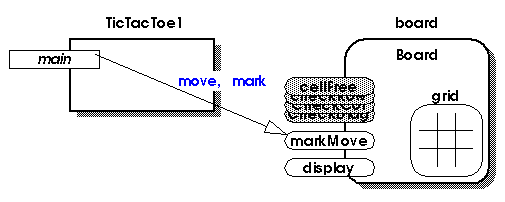
| execution: The main method of the TicTacToe1 class sends a markMove message to board. | result: The grid has the mark recorded as shown in next code step. | |
 |
||
| repeat code step 1: board.display(); | ||
 |
|
|