Page 24: SVG Exercise
Spring 2026 Sample Solution
Box 1: Exercise 5, SVG
view - look at the box and experiment with it
examine - look at the code for the box
edit - change the box's content
rubric - several steps are suggested in the rubric page - form elements on page in rubric
02-24-01.html 02-24-01.svg
| Kind
Kind of rubric items: standard - expected from all students advanced - used to get a better grade creative - an opportunity to do something creative levels - rubric item graded by selected achievement level optional - not required, but encouraged |
Description | |
| standard | a picture using SVG | |
| standard | at least one path with an arc | |
| standard | at least one polygon that is not a rectangle | |
| standard | a hierarchy using grouping | |
| standard | repeated instancing via use | |
| creative | artistic merit (grader's discretion) |
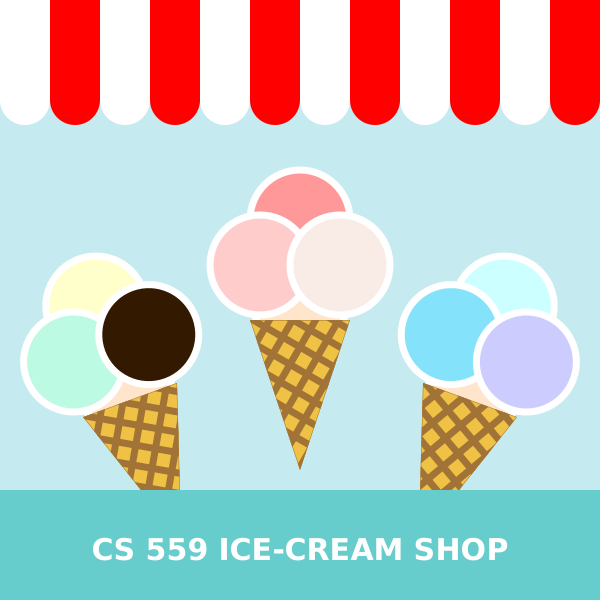
Above is a big SVG that is empty. It is from the file 02-24-01.svg (which is loaded by 02-24-01.html). Fill it in with an interesting picture (by editing the SVG file 02-24-01.svg ).
You should make the picture by hand, i.e., edit the SVG in a text editor. Do not create or edit the picture in a picture editing tool (like Illustrator or Inkscape).
You do not need to animate your picture. You do not need to do any JavaScript programming for this picture. You just need to put graphics into the file.
Your picture should make use of hierarchical modeling. It should have groups, transformations, and instancing. There should be more than one <use> tag that has transformations attached.
Here are the requirements:
- You must use at least one path with an arc in it.
- You must have a polygon that is not a rectangle.
- You must create hierarchy using groups (
<g>tags) with transformations. You need to have a group inside of a group (more than just primitives in groups). - You must use instancing (the
<use>tag) and transformations to make multiple copies of something
If you’re stumped for ideas, you could try re-creating one of the Canvas pictures in the workbook (for example, the windmills picture (without the animation)). You can see examples of past assignments at 2023 Workbook 3 Gallery and 2022 Workbook 3 Gallery.
Technically, the pictures on previous pages satisfy many of the requirements. You can refer to this picture (you have the source code), but please make your own picture.
You should do this assignment by writing SVG. Don’t use JavaScript to create the SVG. Make a static picture: while SVG has interaction and animation capabilities, usually these are done with JavaScript, and that gets away from the goals of this assignment. Do not try to figure out SVG’s built-in animation capabilities.
Next: Page 25 - Mascot Competition